

When someone says they never got a CrewdUp email, the cause is usually one of four things: the email went to spam, the address on file is wrong, nothing actually triggered an email, or the link in it has expired. Work through the checks below in order.
Short version
Ask them to search for info@crewdup.com, including spam, and add it to their contacts. Check the email address on their crew record. Then resend the invite (Starter and Pro), which sends fresh links.
Check the sender and spam folder
Every CrewdUp email comes from CrewdUp <info@crewdup.com>.
- Search the inbox and the spam or junk folder for info@crewdup.com.
- Add info@crewdup.com to your contacts, or mark it as safe, so future emails land in the inbox.
- In Gmail, check the Promotions and Updates tabs too.
Invites for the same event share a subject line, so Gmail may group them into one thread. Open the thread and use the newest email.
Check the email address
CrewdUp sends to the email on the person's account if they have one. If they haven't signed up, it uses the email the manager entered on their crew record.
- Managers: open the person's record on Crew Members or Talent Members and check the address for typos. See crew profiles.
- Crew and talent with an account: check Email Address on your profile.
Check that an email was actually sent
Some actions don't send email at all:
- Adding someone to the crew list sends nothing. The first email a crew member gets is the "Event Invitation", sent when a manager assigns them to a position.
- Raising a hand sends nothing to the crew member. They hear back when the manager approves or declines.
See every email CrewdUp sends crew and talent for what triggers each one.
Resend an invite
On Starter and Pro, a manager can send a new invite from the crew row on the event, with Send invite or Resend invite. You'll see "Invite sent" or "Invite resent".
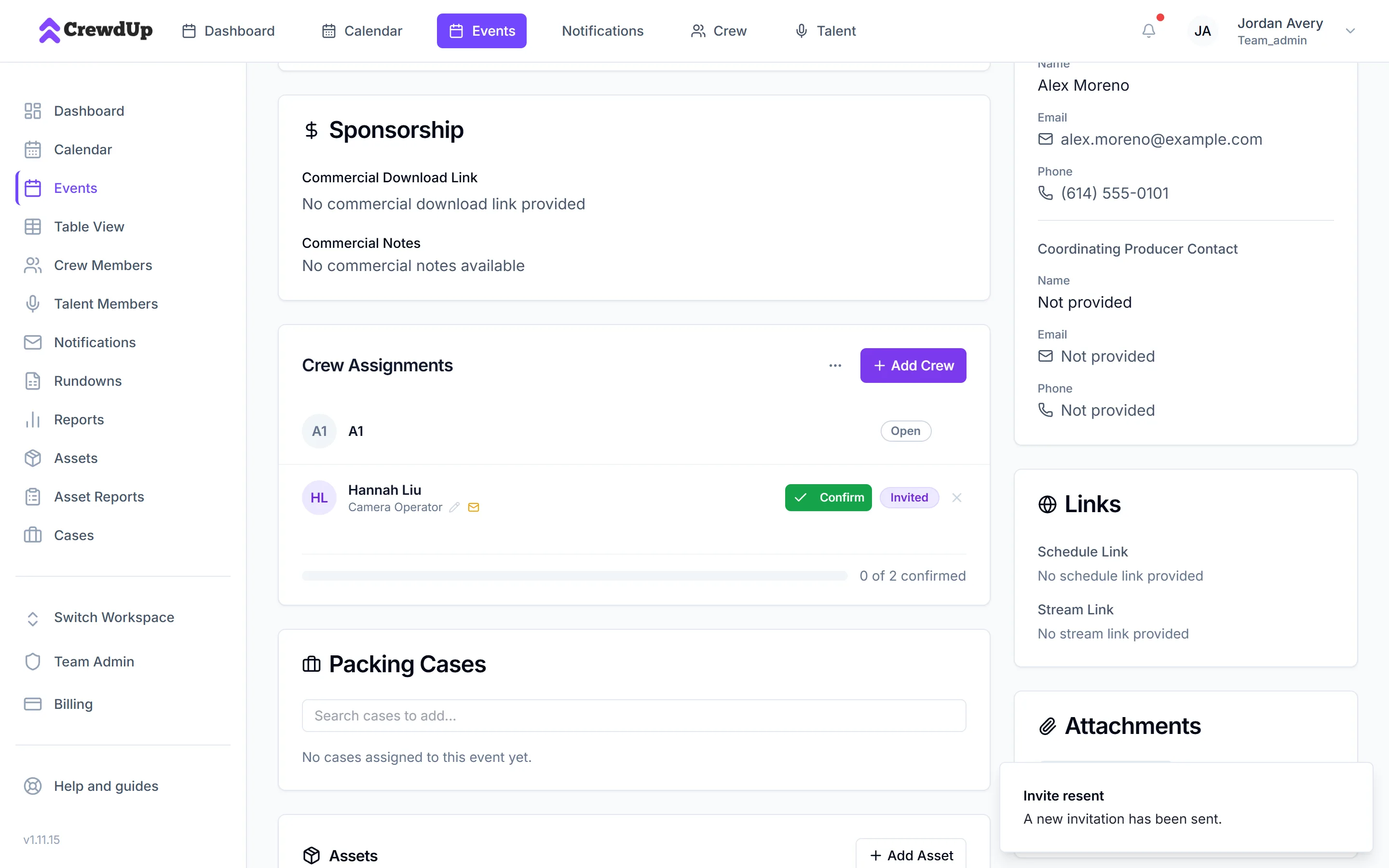
Resending replaces the old links
The new email uses the ✓ Click to Respond format, with a link that works for 30 days. The buttons in every earlier invite for that assignment stop working and show "Invitation Not Found". Tell the person to use the newest email.
Expired links
| Link works for | |
|---|---|
| "Event Invitation" with Yes, I can work and I can't work | 7 days |
| "Event Invitation" with ✓ Click to Respond (resent) | 30 days |
| "Talent Assignment" | 30 days |
| "Reset Your CrewdUp Password" | 1 hour |
After that, a crew invite link shows "Invitation Not Found" and "This invitation has expired or is invalid." For an expired invite, the manager resends it. For an expired password link, request a new one. See reset your password.
Things to know
- A failed send isn't flagged. If an invite email fails to send, the manager isn't told. If someone hasn't answered, check with them directly.
- No delivery tracking. CrewdUp doesn't show whether an email was delivered or opened.
- Replies go to the manager on most event emails. Messages a manager sends to the whole crew are the exception.
- Password reset emails for some accounts may come from a different sender. Check spam for any email about a CrewdUp password reset.
Checklist
- Inbox, spam and Gmail tabs searched for info@crewdup.com
- info@crewdup.com added to contacts
- Email address on the crew record checked
- The action actually sends an email
- Invite resent if needed, and the person told to use the newest email