

Every event has a Visible to Crew checkbox. When it's on, crew can find the event in their Events list and raise a hand for it. When it's off, the event drops out of that list. New events start hidden, so nothing reaches crew until you choose.
Hiding controls who can find the event. Crew who are already on it keep seeing it.
Short version
Open the event, click Edit Event, and tick Visible to Crew in Basic Information. It saves straight away. Tick Fully Staffed when you're done hiring, which also hides the event.
What hiding does and doesn't do
| Hidden from crew? | Today |
|---|---|
| The crew Events list | Yes |
| Raising a hand for the event | Yes, because crew raise a hand from that list |
| The crew Calendar | Yes |
| A direct link to the event | Yes |
| Crew already on the event | No. Crew you've assigned or invited, and crew who raised a hand, still see it |
:::note Crew already on the event still see it Hiding only affects crew who aren't on the event yet. Crew on it still see it on their Calendar and can open it, with its contacts and RTMP server. The broadcast key is never shown to crew or talent. :::
Show an event to crew
- Open the event from Events in the sidebar.
- Click Edit Event.
- In the Basic Information card, tick Visible to Crew.
The helper text changes to "Crew members can see and express interest in this event", and you see "Visibility Updated". To hide it again, untick the box. The text reads "Event is hidden from crew members".
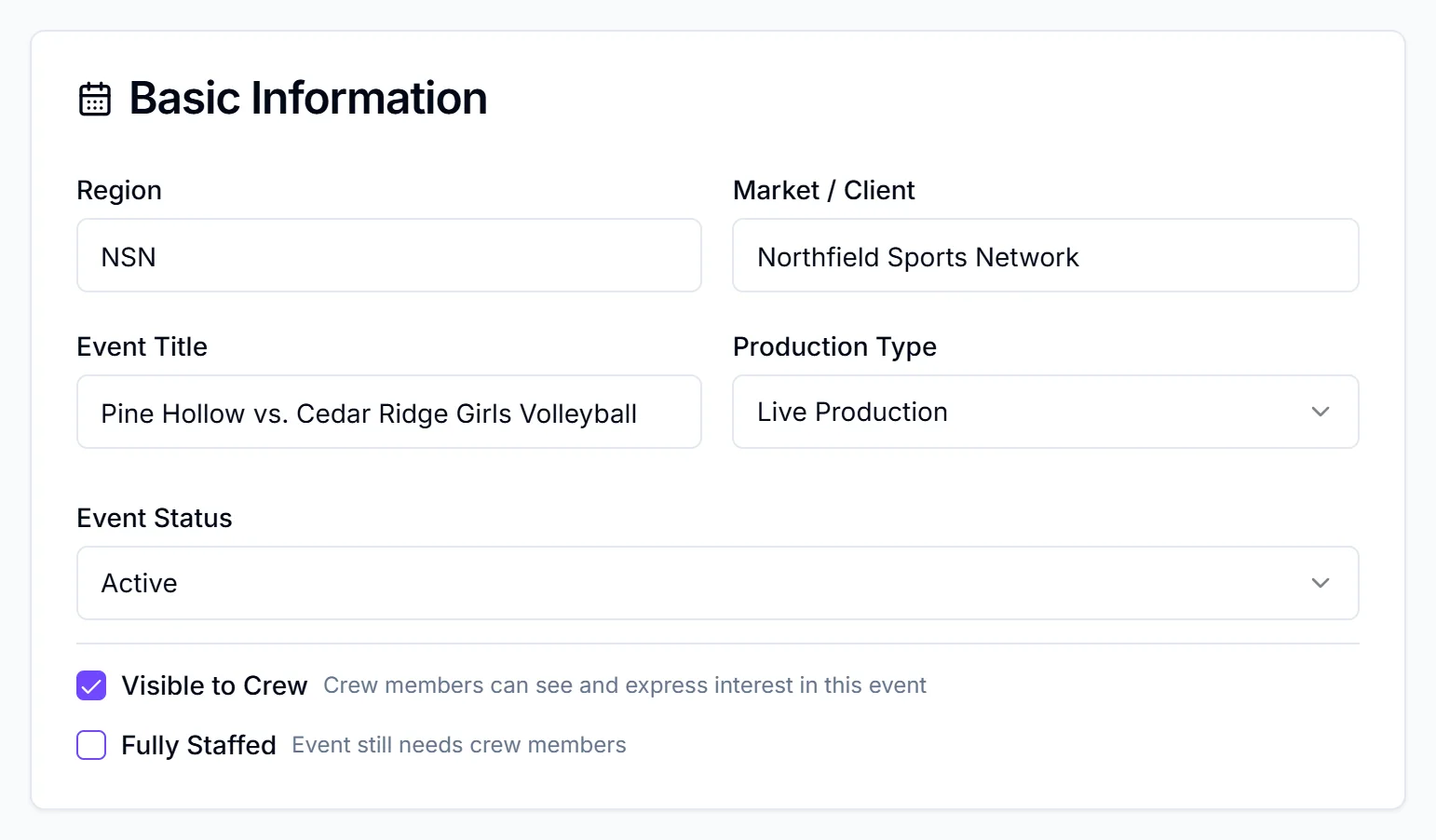
These boxes save immediately
The checkboxes only work in edit mode, but each one saves the moment you tick it. Cancel doesn't undo it.
Mark an event fully staffed
When every position is filled, tick Fully Staffed in the same card. You'll see "Staffing Status Updated" and "Event marked as fully staffed and hidden from crew".
Ticking Fully Staffed also turns Visible to Crew off. Unticking Fully Staffed does not turn visibility back on. If you need more crew again, untick Fully Staffed and then tick Visible to Crew yourself.
For tracking who's confirmed before you mark it, see track confirmations.
Change many events at once
In Table view, click Edit Grid, then change the Visibility column row by row, or tick rows and use "Crew visibility" with Apply to selected. Then click Save all ({n}). Table view is on Starter and Pro. Changing visibility there doesn't touch Fully Staffed.
Which crew see a visible event
A visible event shows in the Events list of crew who are assigned to the event's manager. Talent work the same way. Crew lists also hide events more than two weeks old unless the crew member clicks "Show past events".
Managers see a "Visible" or "Hidden" tag, and "Fully Staffed", on each event card. Crew don't see those tags.
To let crew raise a hand for open positions, see open positions and interest.
Checklist
- Event details ready before you tick Visible to Crew
- Everyone already on the event is fine to keep seeing it
- Fully Staffed ticked when hiring is done
- Visible to Crew re-ticked if you reopen hiring